PACCAR Connect Moves Fleet Software Into the Cab—Audit the App Stack Before 2027

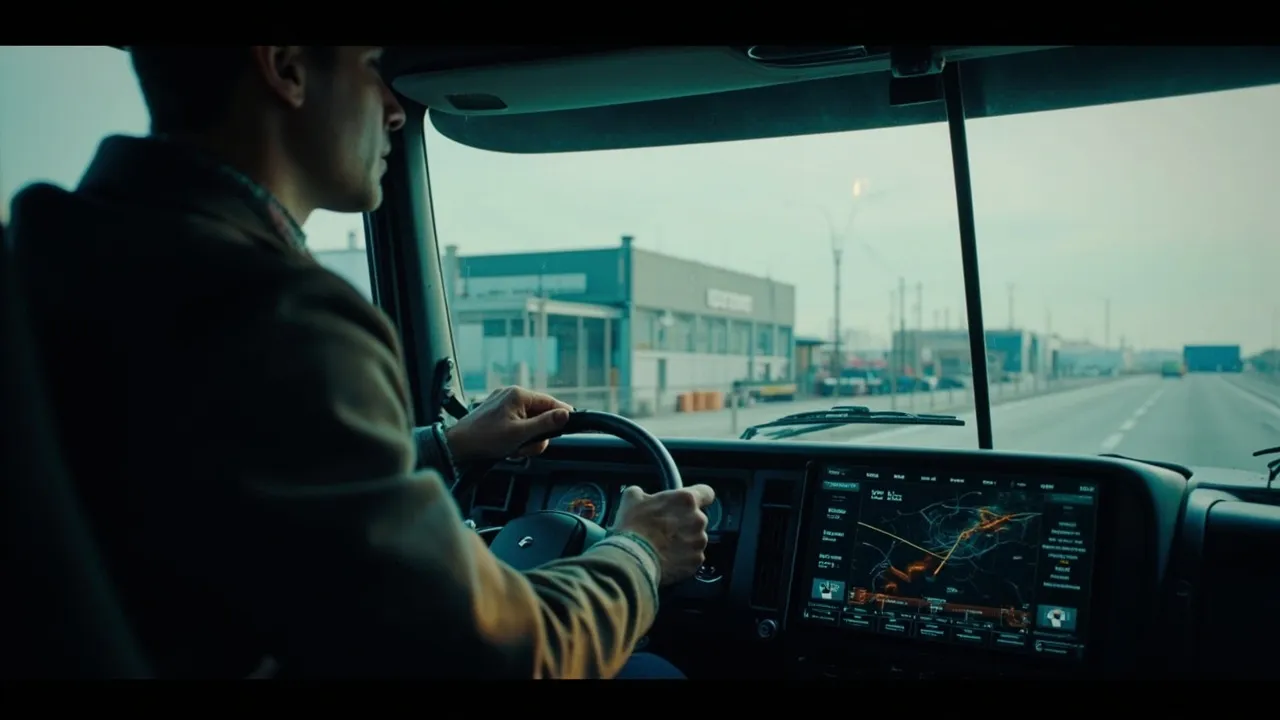
PACCAR Connect promises a cleaner cab and a more unified technology experience when it arrives in Kenworth and Peterbilt Class 8 trucks in early 2027. That is attractive to fleets juggling mounted tablets, telematics boxes, navigation units, cameras, phones, and separate subscriptions. But replacing visible hardware is the easy part. The serious work is proving that every dispatch, safety, compliance, and maintenance workflow survives the move.
According to FreightWaves’ report on the launch, the factory-warranted platform combines a high-definition touchscreen, a back-office portal, remote diagnostics, and access to Platform Science’s Virtual Vehicle app marketplace. Peterbilt plans a 13-inch portrait display for Models 579, 589, and 567, while Kenworth will use a 15-inch center display. The platform is expected to support more than 250 voice commands, accept up to eight camera inputs, and pair two phones simultaneously.
Those are meaningful capabilities. They are not yet a business case.
Start With an App-and-Device Inventory
Before ordering equipped tractors or approving marketplace apps, document what is already in every cab. The inventory should include devices, applications, subscriptions, contracts, data feeds, and the workflow each one supports.
A useful record identifies:
- Hardware model, mounting location, power source, and replacement date
- Application owner, vendor, subscription cost, and renewal date
- Driver login method and required cellular or Wi-Fi connection
- Data produced, system of record, retention period, and API destination
- Operational dependency, from dispatch acknowledgement to proof of delivery
- Backup process when the device or network is unavailable
Do not assume that two applications are redundant because both show a map or record vehicle position. One may enforce hazmat routing, another may calculate fuel-efficient routes, and a third may supply customer-facing ETA events. A consolidation decision must compare functions and data obligations, not icons on a screen.
PACCAR has not published North American pricing for the display, portal, or third-party applications. FreightWaves also notes that the display will not be offered as a retrofit for trucks already in service. Fleets therefore need a mixed-environment plan: new tractors may use PACCAR Connect while older equipment retains existing hardware for years.
Test the Driver Workflow, Not Just the Display
The best pilot is built around actual work. Put representative drivers, dispatchers, safety staff, and maintenance technicians through complete journeys rather than isolated demonstrations.
Begin with login and pre-trip inspection. Then test load assignment, route acceptance, navigation, an hours-of-service warning, a stop update, document capture, proof of delivery, a defect report, and logout. Measure touches, time, errors, and support calls. If a “unified” platform forces drivers to jump between poorly coordinated apps, it has merely moved fragmentation onto a larger screen.
Voice control could reduce interaction with the display, but only if commands work reliably in real cab noise and across the languages drivers use. Test the reported English, Spanish, and French capabilities with road noise, gloves, weak connectivity, and unfamiliar place names. Camera behavior also deserves close review: automatic views triggered by reverse gear or a turn signal should help awareness without covering safety-critical information.
Make Offline Resilience a Gate
Connected services eventually become disconnected services. A pilot must deliberately remove coverage and answer four questions:
- Which functions continue offline?
- Which transactions queue locally, and in what order do they synchronize?
- Can dispatch distinguish a delayed update from a missing one?
- What can a driver complete safely without calling support?
Offline tests should include route guidance, load details, electronic documents, arrival and departure events, signatures, photos, and vehicle fault data. Define maximum tolerable delays for each event. A proof-of-delivery image can usually wait; an urgent safety instruction cannot.
Assign Cybersecurity and Maintenance Ownership
A factory warranty clarifies responsibility for physical equipment, but it does not settle responsibility for every app, credential, integration, or data exposure. Create an ownership matrix covering operating-system updates, application patches, identity management, driver provisioning, lost credentials, vulnerability notices, and incident response.
Marketplace access also needs governance. Fleets should approve applications centrally, restrict unnecessary permissions, document the data each app can read or transmit, and remove access promptly when a driver, vendor, or tractor leaves the network. Procurement, IT, safety, and operations should share a single approval process rather than allowing uncontrolled app installation.
Maintenance teams need equally clear rules. PACCAR Connect’s portal is expected to consolidate vehicle health, mileage, location, warranty status, idle time, and remote diagnostics. Decide which fault codes create a maintenance case, which merely enrich a vehicle record, and which should block dispatch. Also determine whether existing Kenworth TruckTech+ or Peterbilt SmartLINQ subscriptions remain necessary; PACCAR has not confirmed that the new platform replaces them.
Define the TMS Event Contract
The platform creates value only when in-cab activity becomes dependable transportation data. For each integration, define the event, required fields, timestamp, unique identifier, source, acknowledgement, retry rule, and exception owner.
At minimum, fleets should map:
- Dispatch offer, acceptance, rejection, and reassignment
- Driver, tractor, trailer, and shipment association
- Hours-of-service availability and risk alerts
- Planned route, navigation deviation, and revised ETA
- Arrival, loading, departure, and delivery milestones
- Signature, photo, document, and proof-of-delivery status
- Diagnostic fault, severity, acknowledgement, and repair disposition
Test duplicate messages, out-of-order updates, device swaps, team drivers, tractor breakdowns, and loads transferred mid-route. The TMS should preserve a trustworthy operational history instead of overwriting one source with another.
Use 2026 to Build the Evidence
PACCAR Connect may remove hardware, reduce installation work, and put diagnostics and driver workflows under a factory-supported interface. Its scale is promising, especially with eight camera inputs and a mature application marketplace. Still, fleets should not retire current systems on specifications alone.
Use the months before rollout to baseline device and subscription costs, document workflows, define integration contracts, and establish pass/fail pilot criteria. The goal is not simply fewer screens. It is fewer failures, cleaner data, safer driver interaction, and lower total operating cost across a mixed fleet.
Ready to connect dispatch, tracking, documents, and carrier workflows without creating another data silo? Book a CXTMS demo and see how a modern TMS can orchestrate your fleet technology stack.